Phone:
(701)814-6992
Physical address:
6296 Donnelly Plaza
Ratkeville, Bahamas.

Phone:
(701)814-6992
Physical address:
6296 Donnelly Plaza
Ratkeville, Bahamas.

If you want to build a great website, Elementor is a powerful tool to use. But sometimes, your WordPress theme may not work well with Elementor. This guide will show you how to make WordPress theme compatible with Elementor in simple and easy steps.
Before we start, if you are looking for a perfect theme already made for Elementor, check out Elementra – 100% Elementor WordPress Theme. It is modern, clean, and fully compatible with Elementor.
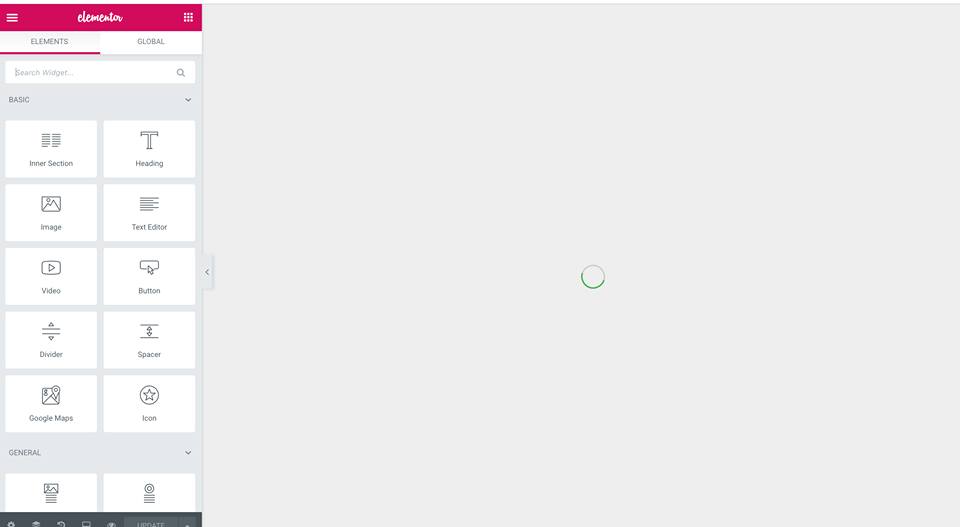
Elementor is a popular page builder for WordPress. It helps you design your website pages by dragging and dropping elements. You do not need to know coding.
It works with many themes but sometimes themes need some changes to work perfectly with Elementor.
Follow these simple steps to fix your theme and make it compatible with Elementor.
Before making changes, check if your theme is already compatible. You can test this by installing Elementor and editing a page. If it works fine, you don’t need to do much.
Your WordPress theme should use proper WordPress Template Hierarchy. Elementor needs themes that follow WordPress coding standards.
header.php, footer.php, and index.php properly.the_content() function is used in the template files. Elementor injects content here.You can add support for Elementor by adding a small code snippet in your theme’s functions.php file.
Use this code:
function mytheme_elementor_support() {
    add_theme_support( 'elementor' );
}
add_action( 'after_setup_theme', 'mytheme_elementor_support' );
This tells WordPress your theme supports Elementor features.
Elementor Canvas is a blank page layout with no header or footer. It allows Elementor to control the whole page.
To create this in your theme, add this to your functions.php:
function mytheme_elementor_canvas_page_template( $templates ) {
    $templates['elementor_canvas.php'] = 'Elementor Canvas';
    return $templates;
}
add_filter( 'theme_page_templates', 'mytheme_elementor_canvas_page_template' );
Then create a file called elementor_canvas.php in your theme folder with this code:
php
/ Template Name: Elementor Canvas /
?
php
// Silence is golden.
?
This lets you use the Elementor Canvas layout easily.
Many themes have fixed headers and footers. To make them editable with Elementor:
header.php and footer.php to include dynamic content.This way, you can customize the whole site using Elementor.
Your theme should not conflict with Elementor’s CSS and JavaScript. To avoid conflicts:
Elementor is responsive, but your theme must also be mobile-friendly.
A slow website can hurt user experience and SEO.
When making changes, use a child theme. It keeps your changes safe from theme updates.
To create a child theme:
wp-content/themes.style.css file with theme info.functions.php to enqueue parent styles.This helps you safely customize your theme for Elementor compatibility.

Credit: www.wpcrafter.com
Credit: elementor.com
If you want to avoid compatibility problems, pick a theme designed for Elementor.
Elementra is a perfect example of such a theme. You can find it here: Elementra – 100% Elementor WordPress Theme.
| Problem | Cause | Solution |
|---|---|---|
| Elementor editor shows blank screen | Theme missing the_content() function | Add the_content() in your template files |
| Layout looks broken on mobile | Theme CSS not responsive | Fix CSS media queries and test in mobile view |
| Header not editable in Elementor | Fixed header in theme files | Create header template in Elementor Pro or custom code |
| Conflicting styles and scripts | Theme CSS/JS overrides Elementor | Adjust or disable conflicting styles and scripts |
Elementra is a multi-purpose WordPress theme designed 100% for Elementor.
Here are some features:
This theme saves time and effort making your site Elementor-ready.
You must Read: Best WordPress Plugin for Speed Optimization
Making your WordPress theme compatible with Elementor is easy when you follow the right steps.
Always check the theme structure, add Elementor support, and test on all devices.
If you want a fast and easy solution, try Elementra – 100% Elementor WordPress Theme. It’s made for Elementor and works great.
With this knowledge, you can create beautiful, functional websites using Elementor and WordPress.
For more details and to get your perfect Elementor theme, visit Elementra – 100% Elementor WordPress Theme.
Elementor is a popular WordPress page builder that needs themes to support its features well.
Test the theme by editing pages with Elementor and see if elements display correctly.
Themes should support full-width layouts, flexible headers, and no styling conflicts.
Include Elementor support code in your theme’s functions. php and follow Elementor guidelines.
Not all themes work smoothly; some may cause design or functionality issues with Elementor.
Use clean HTML5, proper CSS, and avoid overriding Elementor’s default styles.
Update theme and plugins, clear caches, and check for CSS or JavaScript conflicts.
Yes, but headers and footers must be built or adjusted using Elementor’s tools.