Phone:
(701)814-6992
Physical address:
6296 Donnelly Plaza
Ratkeville, Bahamas.

Phone:
(701)814-6992
Physical address:
6296 Donnelly Plaza
Ratkeville, Bahamas.

If you want to build a website with WordPress, you will hear two words a lot: Theme And Template. Many people get confused about what they mean. Are they the same? Or do they do different jobs? This article will explain the difference in a simple way.
A WordPress theme is like the clothes of your website. It decides how your whole website looks and works. When you pick a theme, you change the colors, fonts, style, and layout of your entire site.
The theme controls many things at once. It affects the homepage, blog pages, contact pages, and more. It sets a style that all your pages follow so your website looks nice and consistent.
Think of a theme as a big box that holds many parts needed to build your website’s look. It has different files inside it that control design and features.
A WordPress template is a smaller part inside a theme. It controls how one page or type of page looks. For example, a template might decide how your blog posts appear or how your contact page looks.
Templates are like the pages inside a book. Each page can have a different style, but the book (the theme) keeps the overall design. Templates help show the content in different ways inside the theme.
You can use different templates for different pages. This helps make some pages look special or different from others.
You must Read: WordPress Theme for Education Consultancy
Every WordPress website needs a theme. The theme shapes the whole site. Inside the theme, there are many templates. These templates decide how each page looks inside the theme’s style.
When you change a theme, your website’s look changes everywhere. When you change a template, only the layout of one page or group of pages changes.
For example, your theme might set the colors and fonts for your whole website. But your blog posts might use a template that shows the post title at the top with the date below. There is some example Difference between WordPress Theme And Template.
| WordPress Theme | WordPress Template |
|---|---|
| Controls site-wide colors and fonts. | Controls layout of a single page or post. |
| Includes many files and features. | Is one file inside the theme. |
| Affects all pages and posts. | Affects only specific pages or groups of pages. |
| Defines the overall look and feel. | Defines how content is arranged on a page. |
Understanding the difference between WordPress Theme And Template helps you build your website better. If you want to change the whole site’s look, you should pick or change the theme.
If you want to change just one page, like your About page or blog posts, you work with templates inside your theme.
Also, when you add new features or design styles, it matters if you do it in the theme or the template. Knowing this helps avoid mistakes and makes your website work well.
When you switch to a new theme, your website’s design changes everywhere. Colors, fonts, layouts, and styles will update to match the new theme.
But changing a theme may also change how your pages look. This is because the templates inside the new theme may be different from the old ones.
Sometimes, your content stays the same, but it looks very different after changing themes. So, it is good to preview themes before fully switching.
Yes. You can change templates for some pages while keeping the same theme. Many themes come with multiple templates you can choose from.
For example, your theme might have a full-width template without sidebars. You can use this template on some pages for a different look.
Also, some plugins and page builders help create custom templates. This lets you design special pages without changing the whole theme.

Credit: www.youtube.com
People often mix up the two because they both affect website design. But remember:
Another confusion is about “template kits.” These are collections of templates you can use in page builders. They are not full themes but help design pages easily.
| Feature | WordPress Theme | WordPress Template |
|---|---|---|
| What it controls | Overall website design and functionality | Layout of one page or group of pages |
| Scope | Entire website | Specific pages or posts |
| Includes | Many templates and files | One or few files inside a theme |
| Changes | Colors, fonts, menus, widgets site-wide | Page layout and content arrangement |
| Used for | Setting style and look of the whole site | Changing how certain pages look |
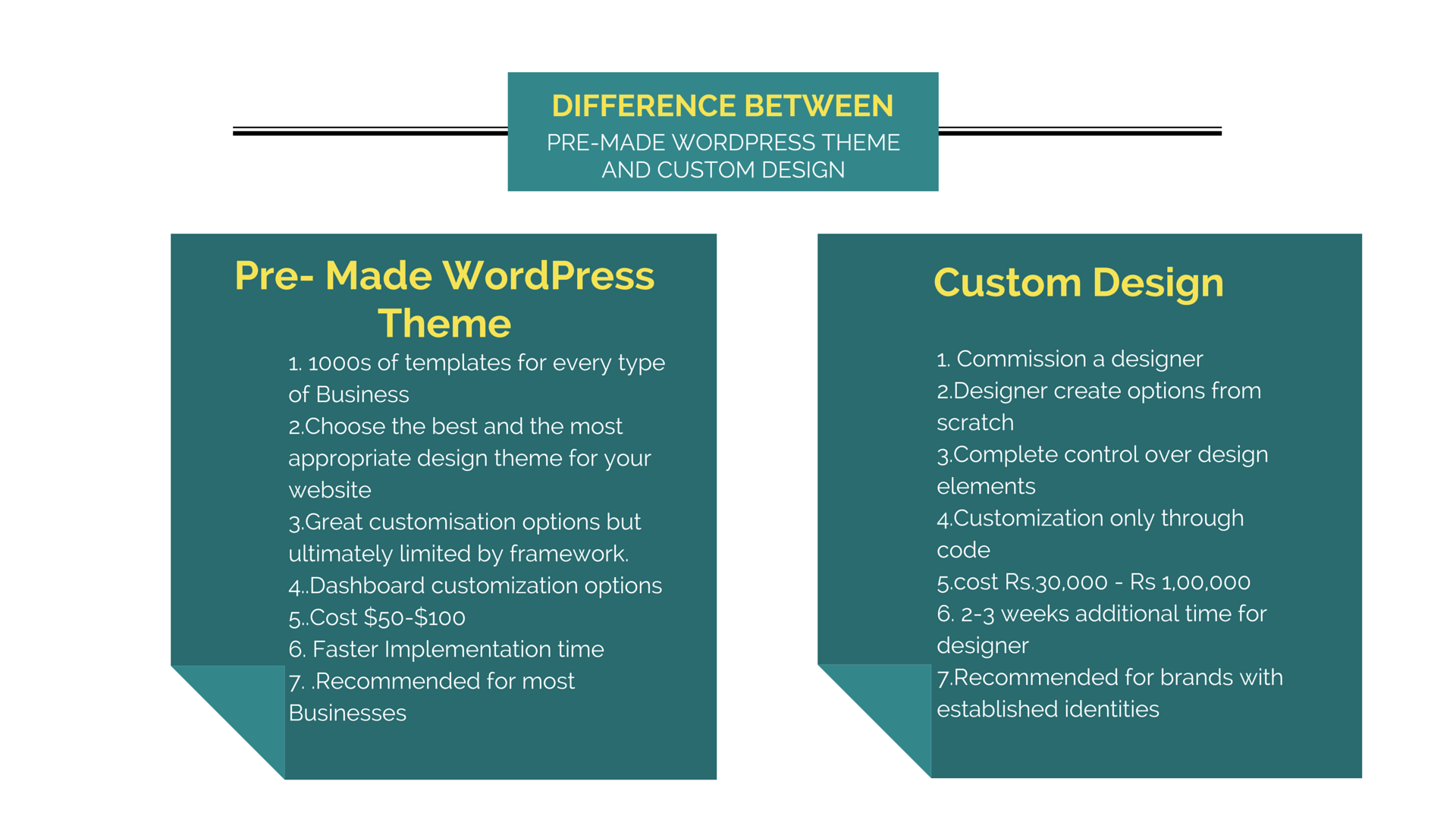
Credit: www.pixelmattic.com
In short, a WordPress theme is the overall design suit for your website. A template is a piece of that suit, fitting individual pages.
Knowing this difference makes building and customizing your site easier. You will know when to change the theme or just the template.
Take time to explore themes and templates. This helps create a website that looks good and works well.
Changing a theme updates your entire website’s design and functionality. Changing a template alters the layout of a specific page or post only. They are related but not the same.
Yes, a poorly coded or bloated template can slow down your site by increasing load times and resource use. Choose lightweight, optimized templates for better speed and performance.
WordPress templates control the layout and appearance of individual pages or posts. They customize specific content presentation within a theme.
A theme defines your entire website’s design, style, and functionality. A template kit includes page layouts for specific sections or pages only. Themes control global appearance; template kits focus on individual page designs. Templates are part of themes, but kits offer ready-to-use page designs.