Phone:
(701)814-6992
Physical address:
6296 Donnelly Plaza
Ratkeville, Bahamas.

Phone:
(701)814-6992
Physical address:
6296 Donnelly Plaza
Ratkeville, Bahamas.

Are you running an online store? Do you want to sell products or services regularly? Subscriptions can help. They let customers pay again and again. This makes selling easy and steady. WooCommerce is a popular tool to build online shops. Good news: you can add subscriptions with free plugins. This article explains the best Free Woocommerce Plugin for Subscriptions.
A Free Woocommerce Plugin for Subscriptions lets you sell products or services on a repeating basis. For example, a customer can buy a monthly box of snacks. Or a yearly membership for a website. The plugin manages payments and renewals. It also helps customers change or cancel subscriptions.
Why use subscription plugins? Here are some reasons:

Credit: www.youtube.com
Many subscription plugins exist for WooCommerce. Some cost money. But some offer free versions. These free plugins have basic features. They work well for small stores or beginners.
This plugin helps you create simple subscriptions. You can sell physical or digital products. It supports weekly, monthly, or yearly plans. The free version lets you add many subscription products.
Key features of this plugin:
This plugin is good if you want basic subscription features without extra cost.
YITH offers a free subscription plugin. It is popular among WooCommerce users. You can use it to sell recurring products or services. It works well for simple and digital items.
Features of YITH free subscription plugin:
YITH also has a premium version with more options. But the free one is good for small stores.
This plugin lets you add variable subscriptions. That means customers can choose different options. For example, size or color with subscription plans.
Flexible Subscriptions plugin features:
Choosing the right plugin matters. Think about your store needs first. Ask yourself these questions:
Also, check if the plugin supports your payment methods. Most free plugins work with popular gateways like PayPal.
Here is a simple table to compare the plugins:
| Plugin Name | Key Features | Best For |
|---|---|---|
| Subscriptions for WooCommerce (WPSwings) | Multiple billing schedules, pause/cancel, email alerts | Basic subscriptions, beginners |
| YITH WooCommerce Subscription | Coupons, plan management, simple setup | Simple and digital subscriptions |
| Flexible Subscriptions | Variable subscriptions, recurring payments | Stores with product variations |
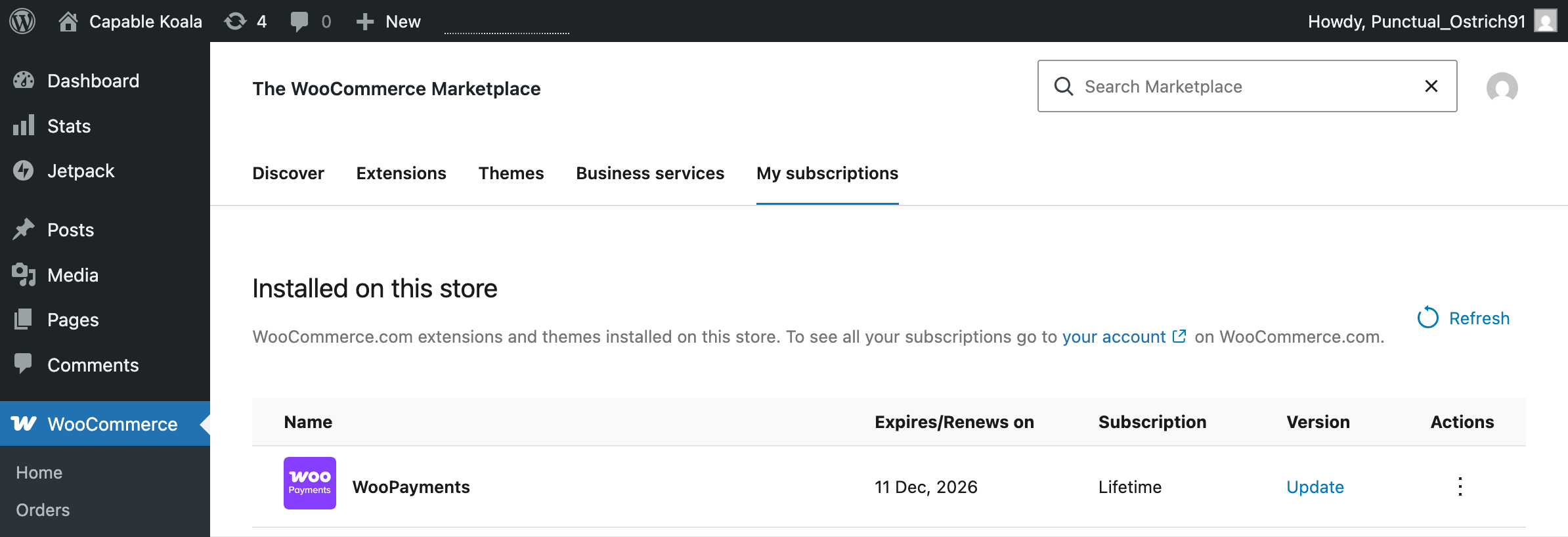
Credit: woocommerce.com
Installing a subscription plugin is simple. Follow these easy steps:
Most plugins have guides or tutorials to help you. Setting up plans and prices usually takes a few minutes.
After installation, use these tips for best results:
Remember, keeping customers happy is key for subscriptions to work well.
Why choose free subscription plugins? Here are some benefits:
Many free plugins also have paid versions. You can upgrade later if your store grows.
You Must Read: Woocommerce Plugin for Upsell And Cross Sell
Most free plugins offer these basic features:
These features cover most needs for a small subscription business.
Free plugins work well for small stores. But large stores might need more features. For example:
If your store grows, consider upgrading to premium plugins. But start with free ones to learn and test.
A Free Woocommerce Plugin for Subscriptions lets you sell products or services on a recurring basis. It helps set up automatic payments for your customers. This plugin simplifies managing subscriptions in your online store.
Go to your WordPress dashboard, click Plugins > Add New, and search the plugin name. Click Install and Activate. Follow the setup instructions to start creating subscriptions.
Yes, many free WooCommerce subscription plugins support both digital and physical product subscriptions. You can offer recurring delivery or access to services easily. Check each plugin’s features to confirm.
Most free plugins from trusted sources like WordPress. org are secure. They receive regular updates and support. Always keep your plugins updated to protect your site.
Common payment gateways like PayPal and Stripe usually integrate with free WooCommerce subscription plugins. Some plugins support multiple payment options to suit your business needs. Verify compatibility before choosing.
Yes, free plugins often allow basic customization of subscription length, pricing, and billing cycles. Advanced features might require premium upgrades. Still, you can create flexible plans to fit your customers.
Most free plugins support automatic subscription renewals to keep payments seamless. This reduces manual work for you and avoids service interruptions for customers. Always test renewals after setup.
Free subscription plugins usually offer simple tools to manage subscribers, view payments, and handle cancellations. Some include email notifications for subscription events. Managing customers becomes more organized with these features.
Check the official WordPress plugin repository for popular options like YITH WooCommerce Subscription or Subscriptions for WooCommerce by WPSwings. Read reviews and ratings to choose the best fit.
Adding subscriptions to WooCommerce is possible with free plugins. They help you sell products or services regularly. This keeps income steady and customers happy. The best free plugins include Subscriptions for WooCommerce by WPSwings, YITH WooCommerce Subscription, and Flexible Subscriptions. Each offers useful features for beginners.
Choose a plugin based on your store’s needs. Install it easily from WordPress. Test your subscription plans well. Follow simple tips to keep customers satisfied. Free plugins are great to start your subscription business without extra cost.
Try one today and see how subscriptions can help your online store grow.