Phone:
(701)814-6992
Physical address:
6296 Donnelly Plaza
Ratkeville, Bahamas.
Phone:
(701)814-6992
Physical address:
6296 Donnelly Plaza
Ratkeville, Bahamas.
Choosing a WordPress theme is an important step for your website. A good theme makes your site look nice and work well. But with so many themes, how do you pick the right one? This guide will help you choose the best WordPress theme for your site.
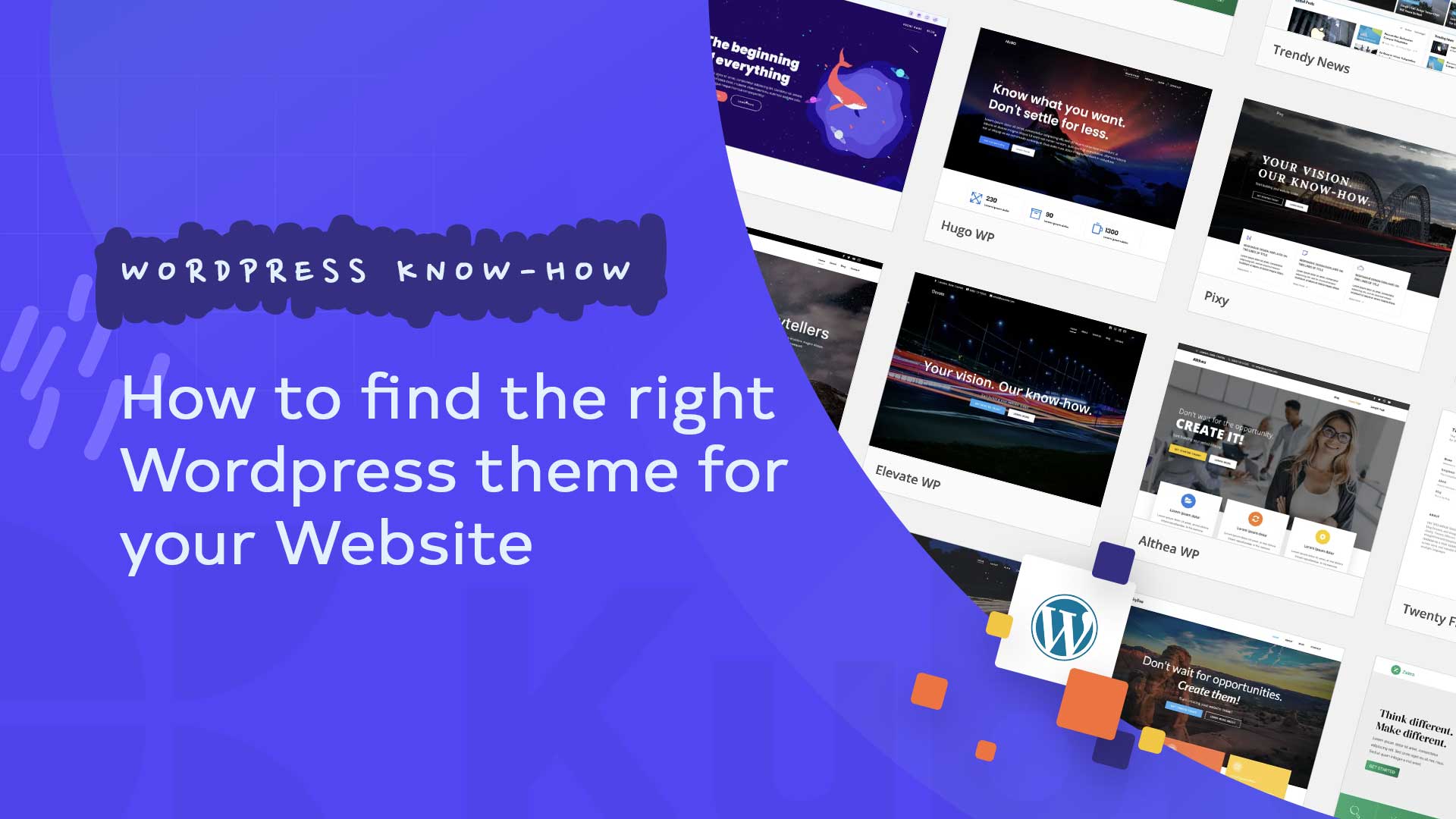
Credit: kubiobuilder.com
A WordPress theme is a set of files that controls how your website looks. It includes colors, fonts, layout, and style. The theme also controls how your pages and posts are shown to visitors.
Think of a theme as a dress for your website. It changes how your site appears but keeps your content the same. You can change themes anytime without losing your content.
Your theme affects many parts of your site. It can help your visitors find information easily. It also affects how fast your site loads. A slow site can make visitors leave quickly.
Also, the right theme helps your site work well on phones and tablets. Many people use mobile devices to browse the web. If your site looks bad on a phone, you lose visitors.
Before looking for a theme, know what your website is for. Is it a blog, an online store, or a portfolio? The theme you pick should fit your site’s main goal.
Knowing your audience also helps. Think about who will visit your site. Choose a theme that fits their style and needs.
Responsive design means your site looks good on all screen sizes. Phones, tablets, and computers all show your site well. This is very important today.
Almost half of internet users browse on mobile devices. If your theme is not responsive, people may have trouble using your site.
Before choosing, test the theme demo on a phone or tablet. Does it look good? Can you read text easily? Is navigation simple?
You must Read: Best WordPress Plugin for Speed Optimization
A fast website keeps visitors happy. Themes with too many features can slow your site down. Slow sites lose visitors and rank lower on Google.
Choose a lightweight theme. Lightweight means it loads quickly and uses little data.
Try to avoid themes with many built-in functions you don’t need. Extra features can make your site slow.
Credit: rarathemes.com
SEO means Search Engine Optimization. It helps your site appear in Google search results.
A good theme will have clean code and support SEO best practices. This helps search engines understand your site better.
Check if the theme supports popular SEO plugins like Yoast SEO or Rank Math. These plugins help you improve your site’s SEO.
Plugins add extra features to your site. For example, WooCommerce lets you sell products online.
Make sure your theme works well with the plugins you want to use. Some themes are made for specific plugins.
Try to find themes that support popular page builders like Elementor or Beaver Builder. These help you design pages easily without coding.
Most themes offer a demo site. This lets you see how your site might look.
Look at the layout carefully. Can you find where menus, images, and text appear? Is it easy to navigate?
Remember, you can change colors and fonts later. Focus on the structure and style that fits your needs.
You must Read: Best WordPress Plugin for Speed Optimization
Free themes are good for beginners. They often have simple designs and fewer options.
Premium themes cost money but offer more features and support. They often include regular updates and better security.
| Feature | Free Themes | Premium Themes |
|---|---|---|
| Cost | Free | Usually $30-$100 |
| Design Options | Limited | Many choices |
| Support | Community help | Direct support |
| Updates | Sometimes rare | Regular updates |
| Features | Basic | Advanced |
If your budget is small, start with a free theme. You can switch to premium later if needed.
Before choosing a theme, read what other users say about it. Good reviews mean the theme works well.
Look for themes with many downloads and positive ratings. Avoid themes with many complaints or bugs.
You can find reviews on theme marketplaces like WordPress.org, ThemeForest, or Elegant Themes.
WordPress changes often. Your theme should get updates to stay compatible and secure.
Choose themes that get updated regularly. This keeps your site safe from hackers.
Good themes also offer support. If you have a problem, you can ask for help.
You can find themes in many places. Here are some popular sources:
Always download themes from trusted sources to avoid security risks.
Remember, your theme is important but content is king. Good content keeps visitors coming back.
Take your time to choose the best theme. A good start helps your website grow and succeed.
A WordPress theme controls the look and layout of your website.
Choose themes designed for your site’s type like blog, store, or portfolio.
Responsive themes work well on phones, tablets, and desktops for better user experience.
Look for themes with clean code, fast loading, and good reviews on SEO.